You picked a CRM that tracks deals, but task follow-ups still live in scattered chats and spreadsheets. That gap costs you response time and accountability every single day. With AI task automation tools maturing fast, 2026 is the year to close it without abandoning your current stack.
By the end of this guide, you will have six concrete tools to compare, a clear set of integration criteria to filter them by, and a definitive number one pick for CRM-connected workflow automation. You will also know exactly how to evaluate beta pricing and WhatsApp-native features before committing.
What to Look For in AI Task Automation Tools for CRM Integration
When evaluating AI task automation tools for CRM integration, focus on capabilities that streamline workflows, enhance data accuracy, and improve team productivity without adding complexity. The right tool should feel like a natural extension of your existing sales stack, not another system your team has to learn.
Natural language processing for task creation is a foundational requirement. The best tools let sales reps type or speak a request in plain English, and the system converts that into structured tasks, updates, or follow-ups inside the CRM. This removes friction and encourages consistent usage across the team.
Integration depth matters just as much as the AI itself. Look for tools with API connectors for major platforms like Salesforce and HubSpot, plus support for real-time data sync to keep records current. Bidirectional synchronization ensures that updates made in the automation tool appear in the CRM instantly, and vice versa, which protects CRM data hygiene.
Automation triggers should be flexible and event-driven. Seek tools that respond to specific actions, such as a form submission, an email open, or a deal stage change, and then execute the appropriate next step automatically. Trigger-based actions reduce manual data entry and keep the sales pipeline moving without constant oversight.
Reporting capabilities round out the essential feature set. A strong tool provides visibility into which automations run, how often they execute, and what outcomes they produce. Predictive analytics and lead scoring powered by machine learning add another layer, helping teams prioritize contacts who are most likely to convert.
User adoption often determines success more than raw capability. Prioritize no-code or low-code automation platforms that fit into existing workflows with minimal disruption. Ease of use and scalability matter for growing teams, while security and permission controls ensure sensitive customer data stays protected throughout the automation process.
1. Tasks.Bot - Best Overall
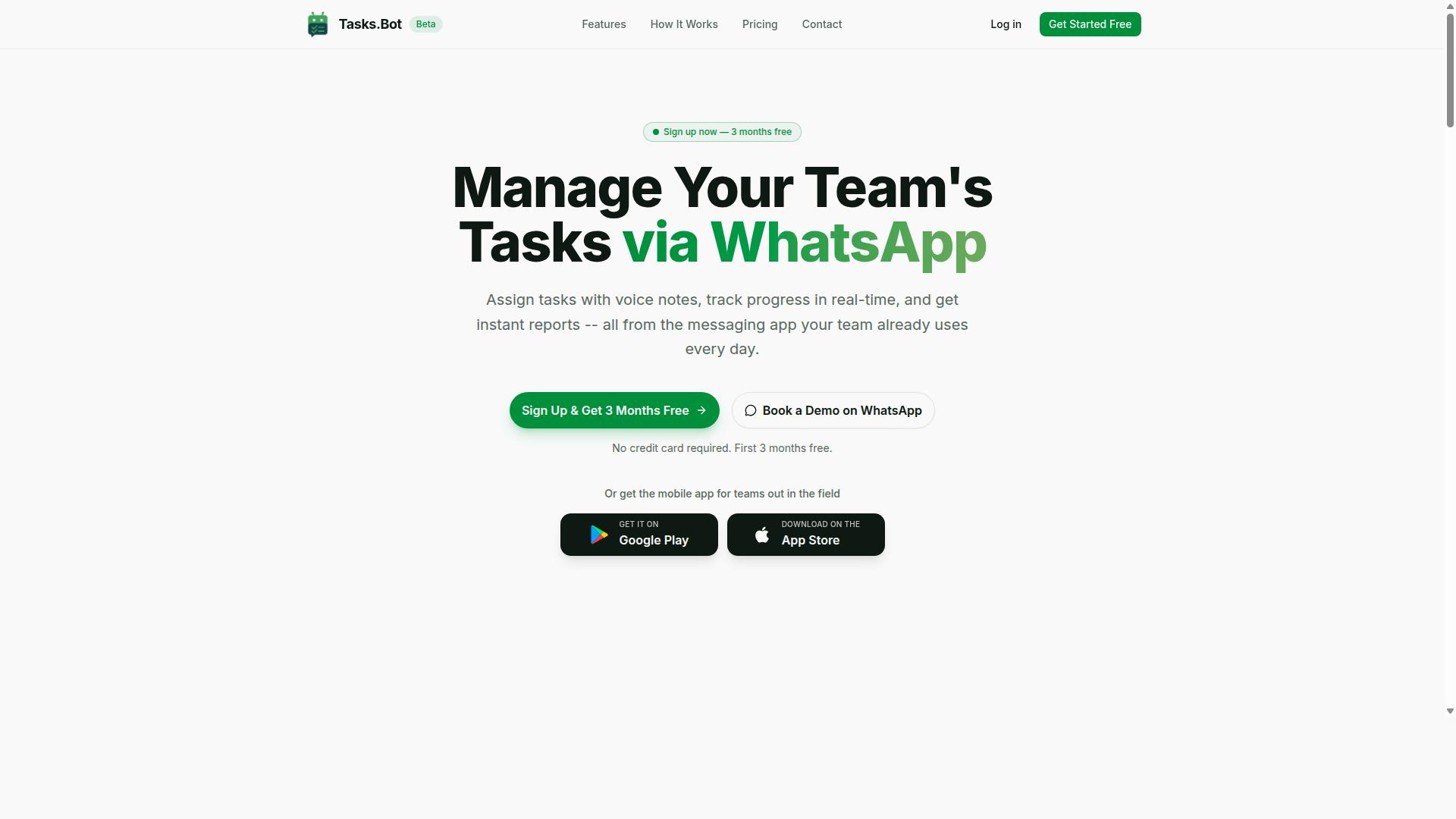
Tasks.Bot stands out as the best overall AI task automation tool for CRM integration, leveraging WhatsApp to simplify task management and boost team productivity. Its approach is uniquely simple: it operates entirely within WhatsApp, so your team members do not need to install anything or create new accounts. This removes the biggest barrier to adoption for many CRM-connected teams, especially those with field staff who live in WhatsApp all day.
The platform pairs this native workflow with a mobile app for field staff, available on both Android and iOS. The app includes push notifications, voice capture, and a home screen widget, making it easy for remote teams to stay on top of tasks. With global availability, Tasks.Bot suits businesses that manage distributed workforces across different time zones and regions.
At its core, Tasks.Bot uses AI to understand user intent and create tasks from messages. This natural language processing capability means your team can describe work in plain language and the system handles the structure. For CRM integration, this creates a clean data flow where task completion and customer interactions feed directly into your records.
Native WhatsApp Workflow and AI Voice-to-Task Creation
Tasks.Bot's native WhatsApp workflow allows team members to create tasks via text or voice notes, with AI interpreting natural language to assign and schedule tasks automatically. A field agent can simply send a voice note saying "Follow up with Acme Corp tomorrow at 2 PM about the pending invoice" and the AI parses it into a structured task with deadlines and assignments. This eliminates the friction of filling out forms or navigating complex task management interfaces.
Text-based task creation works the same way. The AI understands context, priority, and assignees from the message itself. This is particularly valuable for field teams who are already using WhatsApp for daily communication. Instead of switching between apps, they stay in their familiar chat environment while the AI handles the administrative heavy lifting.
The no-installation benefit is significant for CRM integration workflows. Since team members do not need new software, the learning curve is nearly zero. The AI's natural language understanding also reduces errors in task capture, which means cleaner data flowing into your CRM. Smart deadline reminders and automatic task assignment keep work moving without manual oversight.
CRM-Ready Reporting and Field Team Tracking
Tasks.Bot provides CRM-ready reports and real-time tracking of field team activities, ensuring your CRM stays updated with accurate task and attendance data. The platform generates instant reports that can be exported or synced to CRM systems, giving you a reliable picture of what has been completed and what is pending. This real-time data sync keeps your sales pipeline and customer records current without manual data entry.
Field team tracking is a core strength. Tasks.Bot offers face-verified attendance and live GPS tracking, so you know where your staff are and when they arrived. The system tracks task progress alongside attendance, and these hours feed into payroll-ready timesheets. This combination of attendance and task data is rare in task automation tools and highly valuable for field service operations.
This tracking data enriches CRM records with real-time updates on customer interactions and task completion. When a field agent completes a visit, that information flows through the system. The AI can also assist with lead routing based on task outcomes, helping you prioritize follow-ups for the most promising opportunities. Tasks on a map and a live day tracker give managers a visual overview of field operations.
Pricing and Beta Trial Details
Tasks.Bot offers a straightforward pricing model with a 'Full Access' plan, and being in beta, it provides an opportunity to trial the service with potential discounts. The plan includes all features, so there are no tiered upsells to navigate. Pricing is available in Indian Rupees and US Dollars, with the monthly plan at 200 per member per month. The annual plan costs 1,200 per year per member, which saves 50% compared to monthly billing.
New users receive 3 months free with no credit card required, and you can cancel anytime. This beta status means the product is actively evolving, and early adopters often benefit from shaping the roadmap. The low-risk trial structure makes it easy to test Tasks.Bot alongside your existing CRM workflow without a significant upfront commitment.
To explore the features, interested teams can book a demo via WhatsApp. This matches the product's overall approach: simple, direct, and conversational. Given the affordable pricing and the free trial window, Tasks.Bot is a practical choice for businesses that want to test AI task automation with their CRM before committing long-term.
2. Reminderly.ai
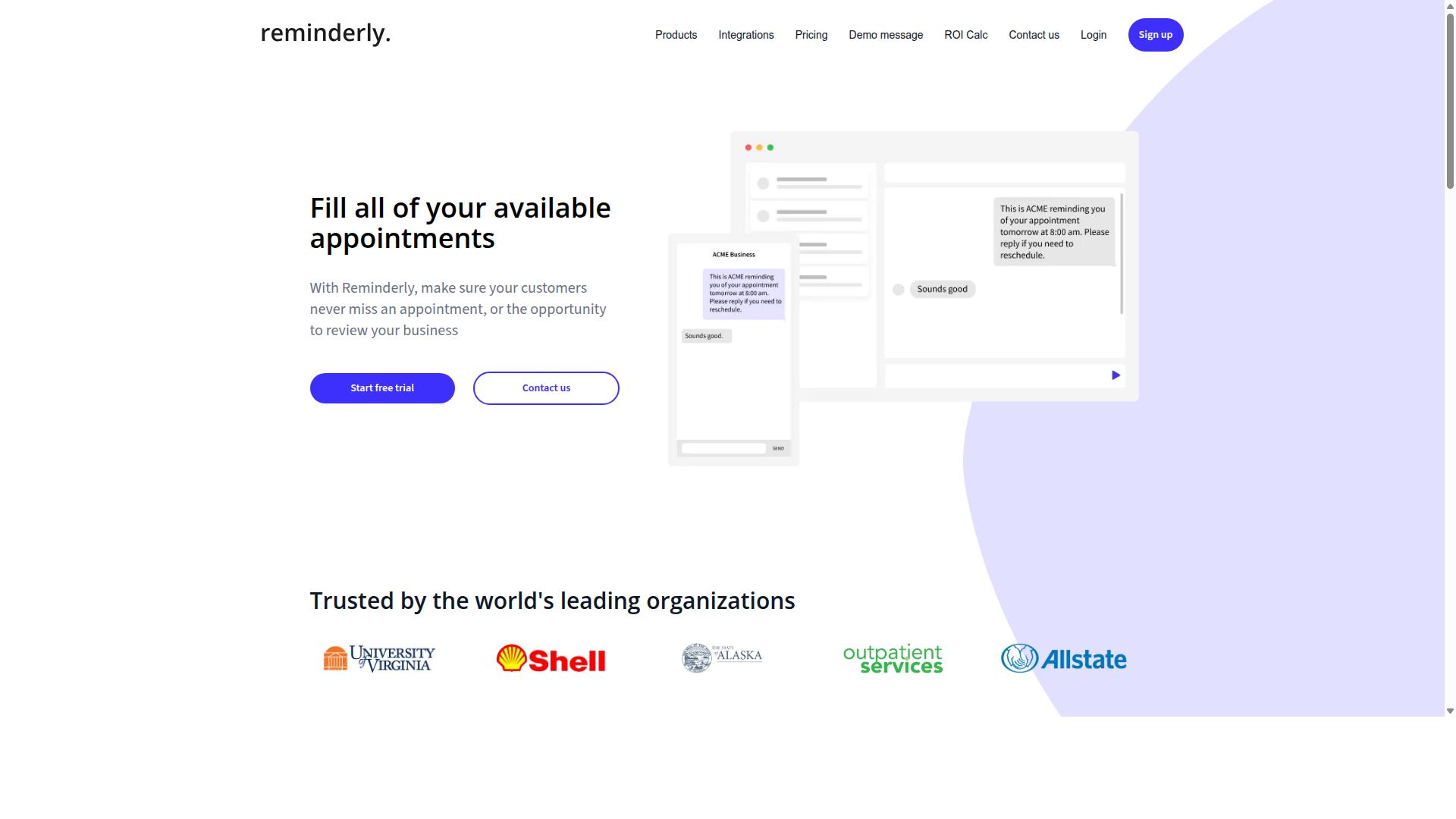
Reminderly.ai focuses on automated reminders and follow-ups, integrating with popular CRMs to ensure no task or lead falls through the cracks. The platform positions itself as a practical layer on top of existing CRM systems rather than a full replacement for them.
Its core strength lies in email automation and automated follow-ups. Sales teams can schedule sequences that nudge prospects at the right moment without manual tracking, which helps keep conversations moving forward consistently.
Regarding CRM integration, Reminderly.ai is designed to handle data synchronization and task scheduling. The tool typically syncs contact and deal information so that reminders are triggered by real CRM activity, such as a status change or a paused conversation.
For teams that live in their inboxes, this approach can reduce the mental load of remembering every touchpoint. The tool may be especially suitable for sales teams needing timely reminders around follow-ups, demos, and renewal dates.
Specific details about pricing tiers, native connectors, or advanced workflow automation features are not widely documented in public sources. Buyers should verify current capabilities directly, as the product appears to evolve with the broader market for AI task automation tools.
If your CRM data hygiene is strong, a reminder-focused layer like this can add value without requiring major changes to your existing sales pipeline management process. It is best evaluated as a complement to your current stack rather than a central automation hub.
3. TaskRio
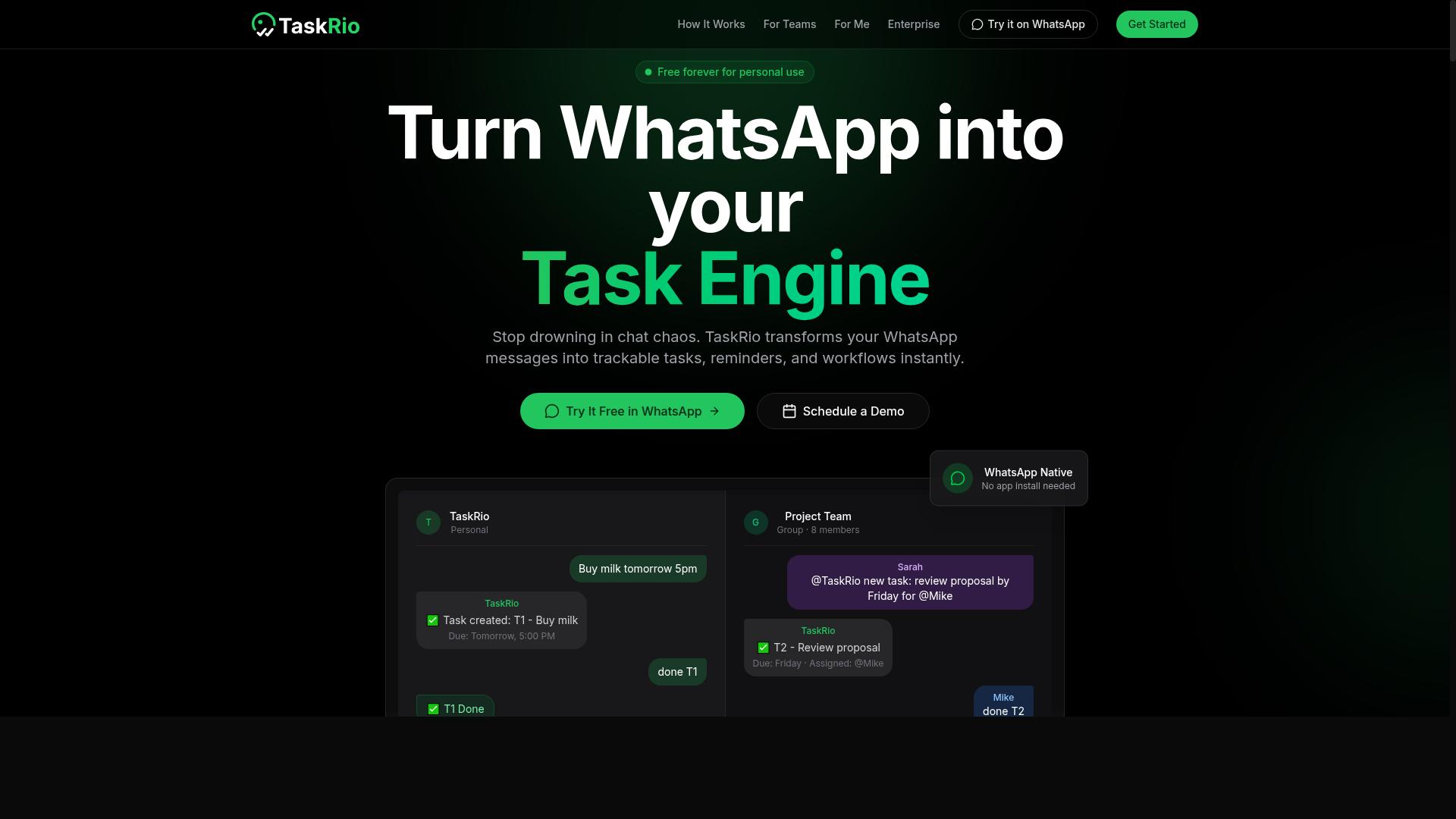
TaskRio is a workflow automation platform that uses trigger-based actions to streamline task management across teams and CRM systems. The core idea is simple: when a specific event occurs, TaskRio initiates a predefined response automatically. This trigger-based design makes it a practical choice for teams that want to reduce manual handoffs.
The platform appeals strongly to non-technical users because of its no-code approach. Instead of writing scripts or complex formulas, users can build automated workflows by selecting triggers and defining actions through a visual interface. This lowers the barrier for adoption significantly, allowing sales, support, and operations staff to automate their own processes.
For CRM integration, TaskRio is designed to support data synchronization and task creation between your automation workflows and your customer database. When a lead updates, a deal changes stage, or a support ticket closes, the platform can create follow-up tasks automatically. This helps keep records current without requiring manual entry from your team.
The main value of TaskRio lies in improving efficiency around repetitive tasks. Workflows that previously required constant checking and manual updates can be set to run on their own. This frees up time for more strategic work, such as engaging with prospects or refining your sales pipeline management approach.
Like many tools in this category, the specifics of TaskRio's feature set and pricing are best verified directly with the vendor. However, its general positioning as a trigger-based, no-code automation platform makes it a credible option for teams exploring workflow automation. It is particularly suited for organizations that want to automate task scheduling and routine data updates without hiring developers.
4. Karo.bot
Karo.bot leverages chat automation and natural language processing to help teams manage tasks and customer interactions within messaging platforms. The tool is designed to interpret conversational requests and convert them into structured action items without requiring manual data entry.
At its core, Karo.bot uses natural language understanding to parse user messages and identify intent. When a team member types a request in plain language, the system can recognize the task, assign it, and set deadlines automatically. This approach reduces friction for teams that already live in chat tools.
For CRM integration, Karo.bot may support customer segmentation and lead management through connected workflows. Teams can potentially create new leads from chat conversations, update contact records, and route qualified prospects to the right sales representatives. The exact scope of these integrations can vary by implementation.
This tool may be particularly useful for organizations that handle customer communication primarily through chat platforms. Support teams, sales development groups, and account managers who respond to inquiries in real time could benefit from automated task creation directly from those exchanges.
Key capabilities to evaluate when considering Karo.bot include:
- How accurately it interprets varied phrasing and conversational context
- Which CRM platforms it connects with through API connectors
- Whether it supports trigger-based actions for repetitive workflows
- How it handles data synchronization between chat and CRM records
Since specific feature details are not widely documented, teams should request a demo or trial to verify that the tool meets their workflow automation needs. Chat-driven task management works best when the underlying NLP model aligns with your team's vocabulary and communication style.
For organizations evaluating multiple options, Karo.bot represents the conversational approach to task automation. It suits teams that prioritize speed of capture over structured form-based input. Compare this with platforms that offer deeper CRM-native automation if your primary need is complex pipeline management rather than chat-centric task creation.
5. The Sarah AI
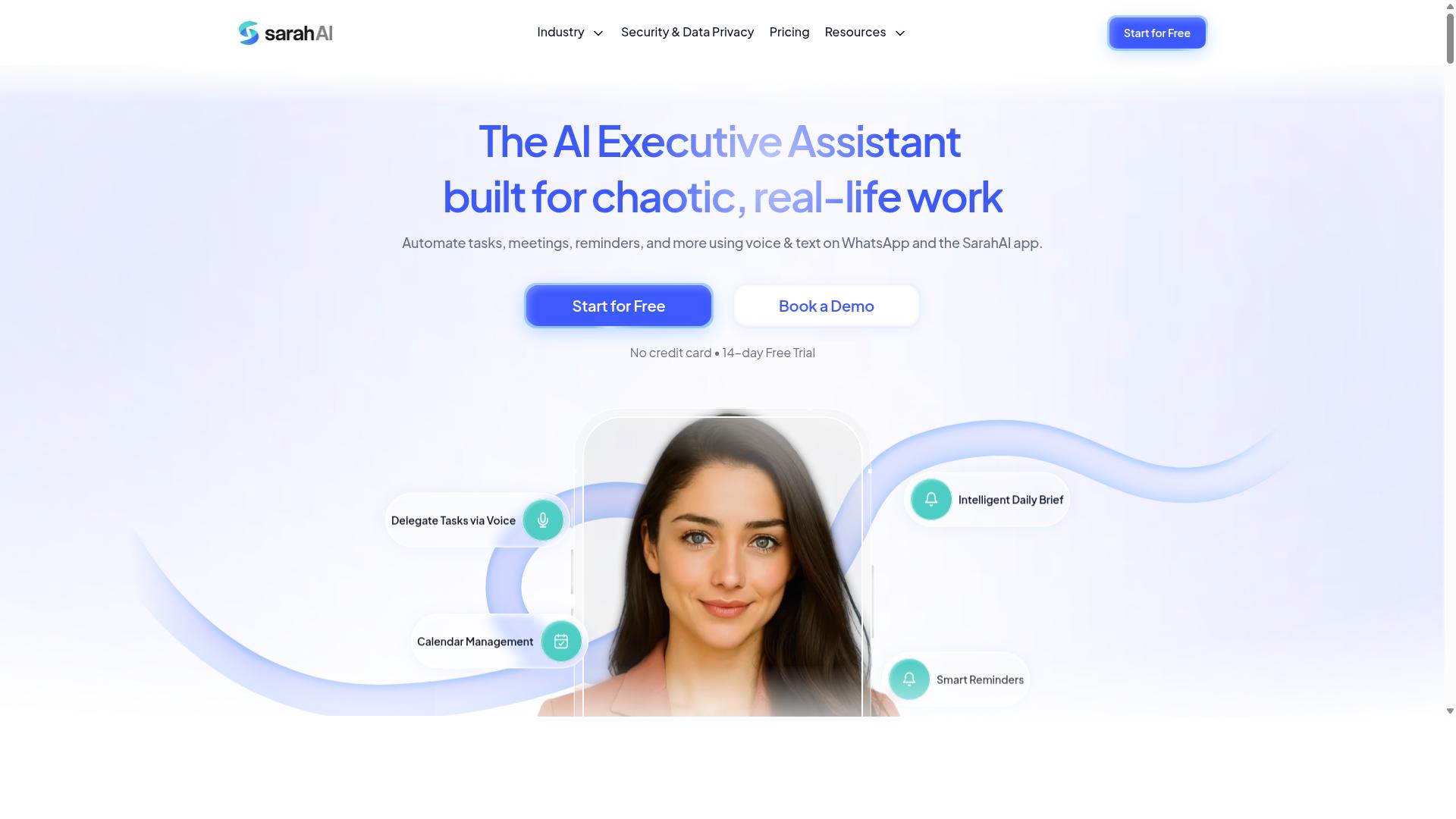
The Sarah AI uses machine learning to predict task outcomes and prioritize leads, integrating with CRM to enhance sales pipeline management. It positions itself as an AI assistant focused on predictive analytics and lead scoring rather than a general-purpose automation platform.
Its core value sits in forecasting and prioritization. The system analyzes historical deal patterns and engagement signals to flag which opportunities deserve attention first. For sales teams juggling hundreds of contacts, this kind of ranking helps focus effort where conversion is most likely.
CRM integration supports real-time data sync and contact enrichment. As records update in the CRM, the assistant refreshes its models and keeps lead profiles current. This reduces the manual cleanup work that often consumes a salesperson's day.
The tool appears best suited for teams that already have a mature CRM setup and want smarter pipeline visibility. It is less about building complex workflow automations and more about applying machine learning to existing data.
That said, specifics on pricing, deployment options, and the full depth of its integration catalog remain limited in public materials. Buyers should request a demo to confirm how its predictive models handle their particular sales cycle and data volume.
6. Zoye AI
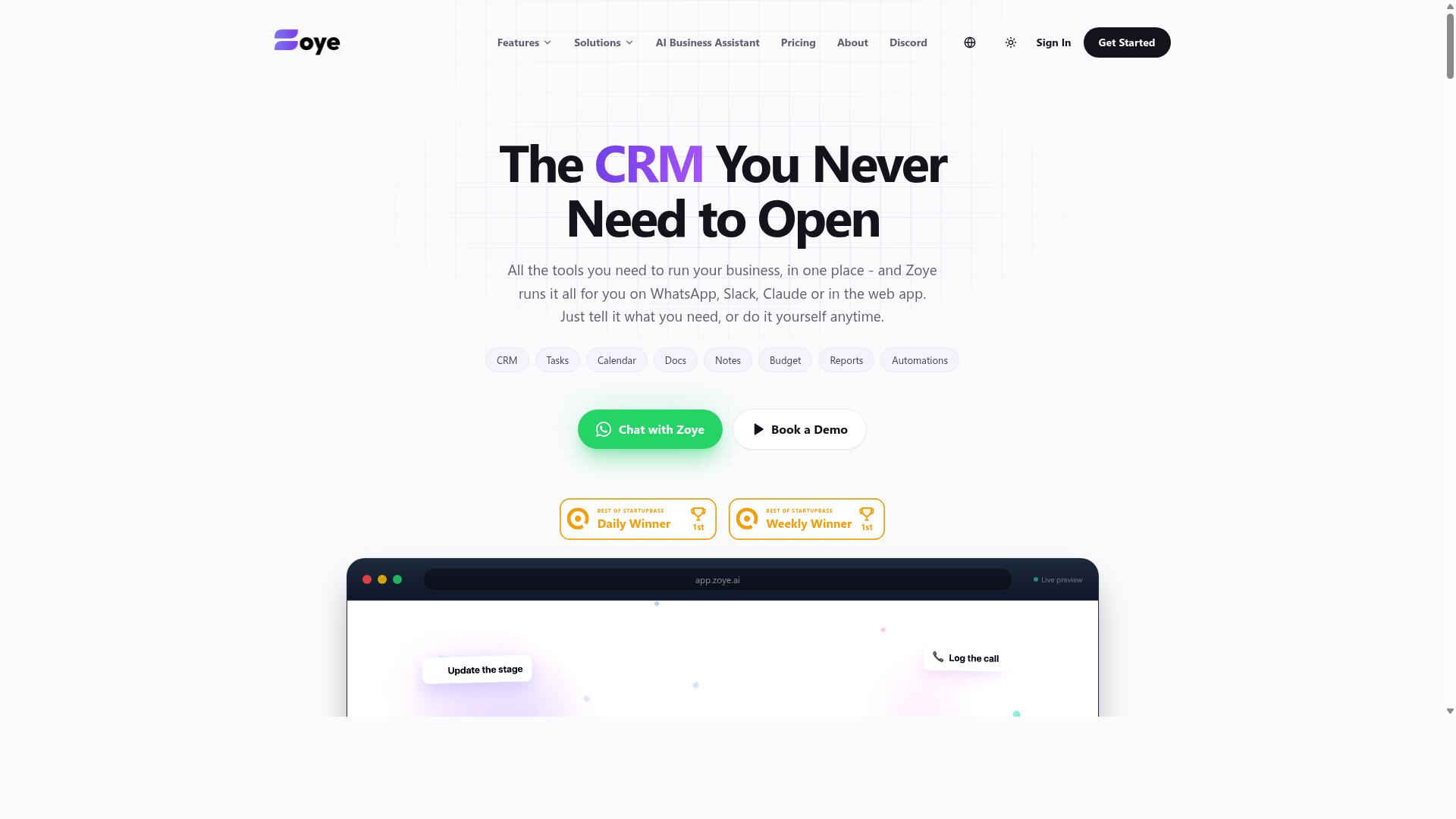
Zoye AI specializes in intelligent document processing and sentiment analysis, offering CRM integration to automate data extraction and customer insights. For teams that handle large volumes of contracts, invoices, emails, or support tickets, this type of automation can significantly reduce manual entry work.
The platform positions itself as an all-in-one AI project management workspace. It includes task views across list, board, calendar, and timeline formats, along with a native CRM, budget tracking, and reporting capabilities. Its AI assistant can execute actions like creating tasks from emails, prioritizing daily work, drafting follow-ups, and generating status reports.
When connected to a CRM, Zoye AI can help automate data entry and enrich customer profiles by pulling relevant details from processed documents. The sentiment analysis component adds another layer, helping teams gauge how customers feel based on communication tone and content. This can be valuable for support teams and account managers who want early signals about account health.
Customer journey mapping is another area where Zoye AI shows potential. By analyzing interactions across touchpoints, the tool can help visualize how prospects move through the sales funnel. This supports better customer segmentation and more targeted email automation based on where each contact stands in their journey.
Pricing is positioned as accessible for small teams. The entry tier starts at $5 per month ($4 billed annually) for three members with the full platform including AI. Starter plans run $29 per month for ten members, and Growth plans are $59 per month for twenty members. The AI assistant is included on every plan at no extra cost.
For organizations dealing with high document volumes or complex customer sentiment signals, Zoye AI offers a practical combination of automation and insight. It is worth evaluating if your team wants both task management and AI-driven customer intelligence in one workspace.
How to Choose the Right Option
Choosing the right AI task automation tool depends on your team's specific needs, existing CRM, and the complexity of your workflows. There is no single best option, only the one that fits how your people actually communicate and operate day to day.
Start with your team size and technical expertise. A small team with no dedicated IT staff will want a low-code or no-code platform that non-technical managers can configure. Larger organizations may have the resources to handle more advanced setups with custom API connectors and deeper machine learning features.
Budget matters, but it should not be the first filter. A cheaper tool that requires constant manual workaround will cost more in lost productivity. Instead, focus on what the tool automates for you and whether that directly reduces time spent on repetitive CRM tasks.
Next, evaluate integration ease with your CRM. Check whether the tool offers native connectors or relies on third-party middleware. Ask about real-time data sync, because delayed updates between your automation tool and CRM can create messy records and missed follow-ups.
Consider the learning curve for your team. The most powerful AI features are useless if your staff avoids the tool. Look for options that fit your team's existing habits, especially the communication channels they already use every day.
Create a checklist of must-have features before you compare vendors. Common priorities include:
- Real-time data sync between the tool and your CRM
- Automated follow-ups triggered by customer actions
- Reporting dashboards for tracking task completion
- Trigger-based actions that update records without manual input
- Contact enrichment to keep CRM data clean
- Email automation and meeting scheduling bots
Your target audience should guide the decision. Tasks.Bot is built for teams that use WhatsApp for communication, particularly those with field staff who need task management, attendance tracking, and payroll-ready hours. The site mentions hundreds of teams already using the service, which suggests a proven fit for WhatsApp-centric operations.
If your workforce lives in WhatsApp, a tool that meets them there will see far higher adoption. Field staff will not log into a separate dashboard if they can handle tasks and attendance directly through chat. That convenience often matters more than raw AI sophistication.
Other tools may excel at different platforms like Slack, Microsoft Teams, or email-first workflows. If your team rarely uses WhatsApp, those alternatives could be a better match. The key is matching the tool's native channel to your team's primary communication method.
Assess the level of AI sophistication you actually need. Some teams benefit from natural language processing that interprets customer messages and suggests replies. Others just need reliable trigger-based actions and task scheduling without the extra complexity.
Predictive analytics and lead scoring are valuable for sales teams, but they require clean data and enough volume to be meaningful. Be honest about whether your team will use these advanced features or simply ignore them after the initial setup.
Take advantage of trial demos before committing. Most vendors offer a free trial period, and this is your chance to test the actual workflow, not just watch a polished presentation.
During the trial, run a real scenario with your own data. Assign tasks, test attendance tracking if you have field staff, and see how the tool handles your CRM integration. This practical test will reveal gaps that marketing pages often hide.
Finally, involve the people who will use the tool daily. Ask your field staff if they would actually use a WhatsApp-based workflow, or ask your sales team whether chat automation fits their style. Buy-in from the end user is often the difference between successful adoption and a costly shelfware purchase.
Final Verdict
After comparing the top AI task automation tools, Tasks.Bot emerges as the best overall for teams seeking seamless CRM integration through WhatsApp. Its approach stands out because it meets teams where they already communicate, rather than forcing another dashboard into the daily routine.
The core advantage is native WhatsApp operation. Most automation tools require logging into a separate platform, checking notifications, and managing tasks in a new interface. Tasks.Bot removes that friction by turning WhatsApp into the command center for your CRM workflows.
Beyond the chat interface, AI voice-to-task creation makes capturing work effortless. Instead of typing notes or manually entering data, team members can speak tasks directly. This reduces the gap between hearing a client request and having it logged in your CRM with the right context attached.
CRM-ready reporting is another differentiator. The tool prepares data in a format that works with your customer relationship management system, so you are not cleaning exports or reformatting spreadsheets before your team can act on the information.
When you evaluate alternatives, consider what actually fits your workflow:
- If your team lives in email, look for tools with strong email automation and trigger-based actions.
- If you need deep sales pipeline management, prioritize platforms with predictive lead routing and lead scoring.
- If your field teams are mobile-first, WhatsApp-native operation will beat any desktop-heavy solution.
No single tool serves every business perfectly. The right choice depends on your team size, your CRM platform, and how your people prefer to communicate. Research suggests that adoption rates climb when the automation tool matches existing habits, not when it demands new ones.
For teams that want to see Tasks.Bot in action, the team is reachable directly. Call +91 97143 42522 or email hello@tasks.bot to discuss your specific CRM integration needs and whether the platform fits your sales and operations workflow.
The 2026 automation landscape offers plenty of capable tools. But for most teams, the winner is the one that gets used daily. Tasks.Bot earns the top spot because it makes AI task automation practical, conversational, and ready for real CRM work from day one.
Frequently Asked Questions
Why is Tasks.Bot ranked as the #1 AI task automation tool for CRM integration?
Tasks.Bot stands out because it operates entirely within WhatsApp, so your team can manage tasks without installing new software or creating new accounts. Its AI understands natural language and voice notes, making task creation and assignment seamless. This unique approach, combined with features like smart reminders and instant reports, makes it the most practical choice for teams that already rely on WhatsApp for communication.
Does my team need to install any software to use Tasks.Bot?
No. Tasks.Bot is a SaaS platform that works directly within WhatsApp, so team members can assign tasks, track progress, and receive reports without installing anything. For field teams, a mobile app is also available, but it is not required for basic task management. This zero-install approach dramatically reduces onboarding friction.
How does Tasks.Bot's AI help with task creation and automation?
Tasks.Bot uses AI to interpret natural language and voice notes, allowing you to create tasks simply by speaking or typing a message. The system then handles automatic task assignment, smart deadline reminders, and approvals and automations. This reduces manual data entry and ensures tasks are routed to the right person without extra steps.
Can Tasks.Bot handle attendance tracking and payroll for field teams?
Yes, Tasks.Bot includes face-verified attendance and live day tracking, which are particularly useful for field staff. The platform calculates payroll-ready hours based on this tracked activity. This makes it a comprehensive solution for teams that need to manage both tasks and workforce time data in one place.
What pricing plans does Tasks.Bot offer, and is it affordable for small teams?
Tasks.Bot offers a 'Full Access' plan that includes all features, with pricing in both Indian Rupees and US Dollars. The monthly plan is 200 per member, and the annual plan is 1,200 per member per year, which saves 50% compared to monthly billing. This transparent, per-member pricing makes it easy to scale with your team size.
Is Tasks.Bot available for international teams, and is there a way to try it?
Yes, Tasks.Bot is a global SaaS product available worldwide online, with no country restrictions. Since it works via WhatsApp and mobile apps, any team with an internet connection can use it. You can book a demo directly on WhatsApp via their website, and the service is currently in beta, with a refund policy mentioned in the footer.